The Integrations page is where you connect Tātou to a number of established integration partners.
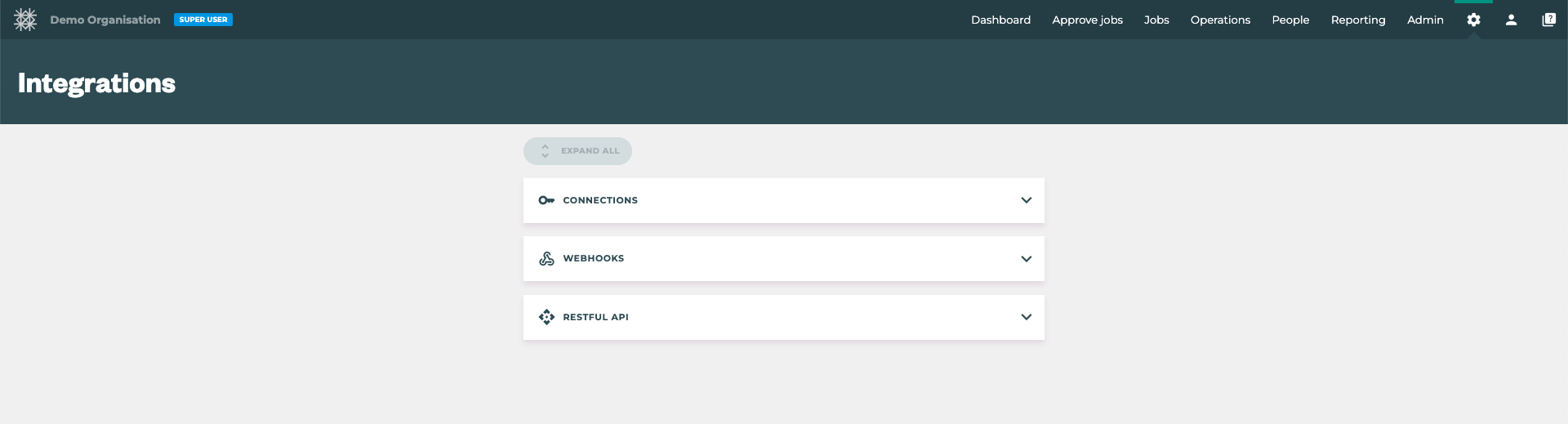
Key Features:
-
Connections: Use this menu to add Payroll Integration Connections and/or Connect your Xero account for Invoicing using the “CONNECT TO XERO” button →

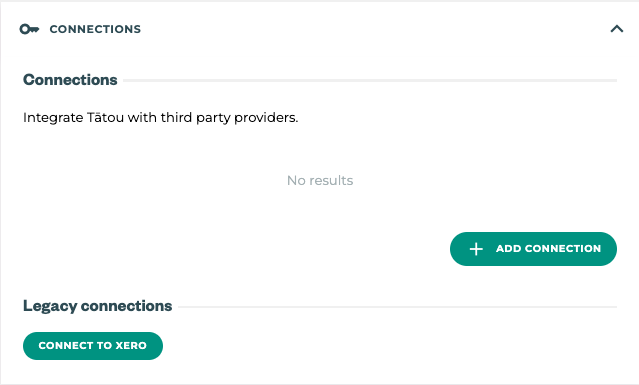
Legacy connections → Connect to Xero will allow users to send Invoices that have been created in Tātou to the connected Xero account.
-
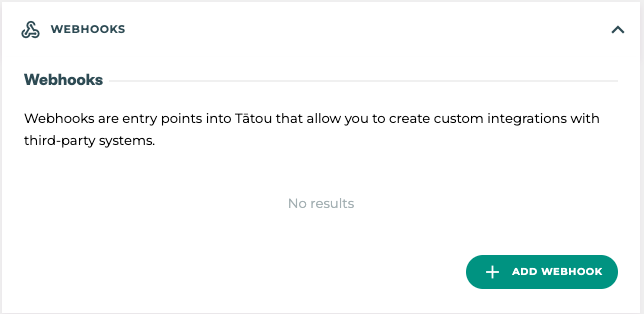
Webhooks: For some users pulling information into Tātou from a 3rd party system makes sense. Adding a Webhook defines what and where information is pulled through.
Pro Tip: Pulling information back into Tātou is a great feature, which can help improve the accuracy of Job Costs in some cases. However, before these are set up it’s best to check the following.
-
Permissions Settings → for example, if earnings data is being pulled through, check the permissions settings to ensure only users who should see earnings data can see it.
-
Employee Settings → it is possible to restrict what information pulls through, so if there are employees whose data should not be pulled back into Tātou, make sure they are excluded
-
Tātou Usage → before allowing information to flow back into Tātou, the data/timesheets should be at a point where Tātou Timesheets match expected Payroll Timesheets. If not all Timesheets are captured in Tātou, the data that pulls through can causes confusion.
-
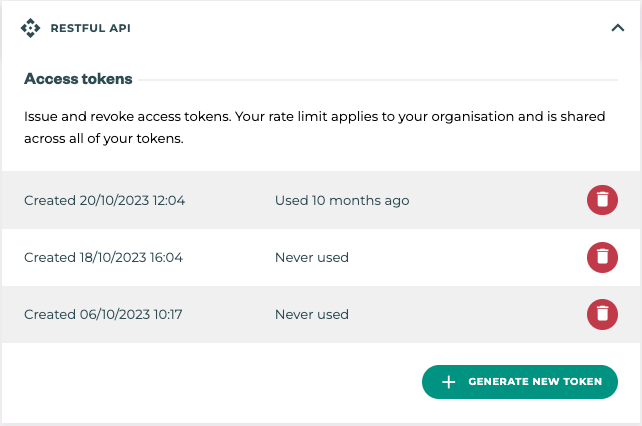
RESTful API: This is where users can create tokens specific to your account required for the integration process. Users can also revoke tokens which will remove an API connection.