
What has changed?
Employees can now view Profile Information in Tātou Field App
How do I use it?
Employees have increased access to their information in a password protected section of the Tātou Field App. This feature was designed to improve transparency and empower employees to update select personal information located in their employee profile in Tātou.
Tātou Field App Profile View is specific to the user who is logged in. In the event, that an employee has shared their password with someone, enabling this feature could expose private information. Please talk to your teams and managers before turning this feature on.
Steps to Enable and Use:
-
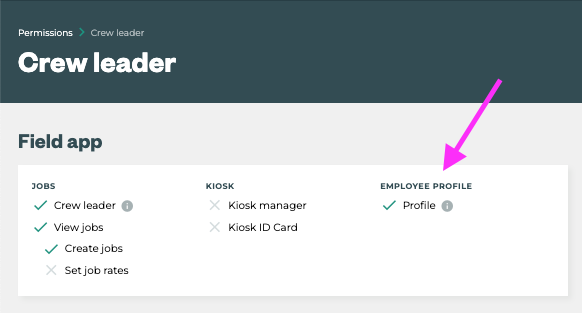
Tātou Office App -> Admin edit Permission Groups to enable Employee Profile in the Field app.
-
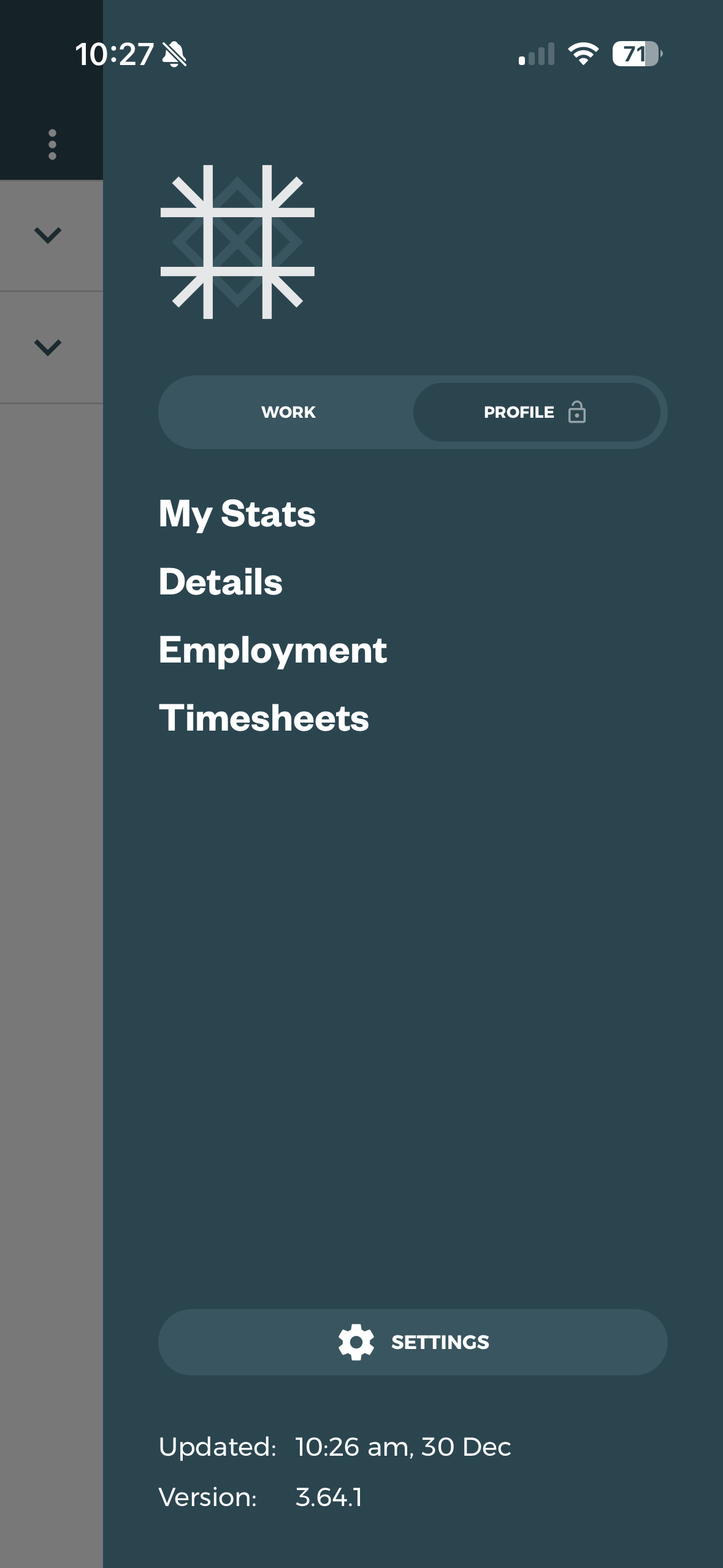
Tātou Field App → Switch to Profile View
-
Employees log out and log back in to update permissions
-
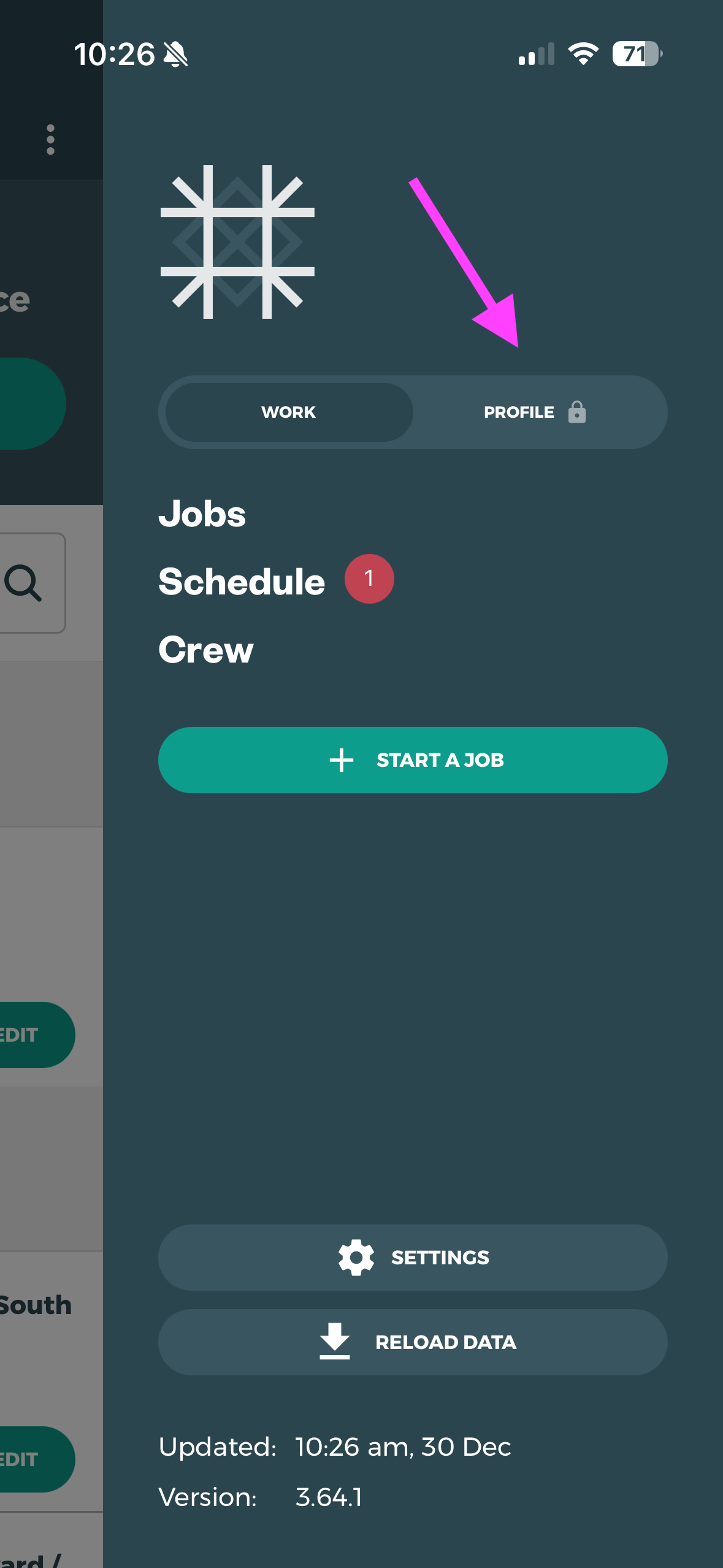
Open the Field App Menu
-
Click the Profile 🔒 Button
-
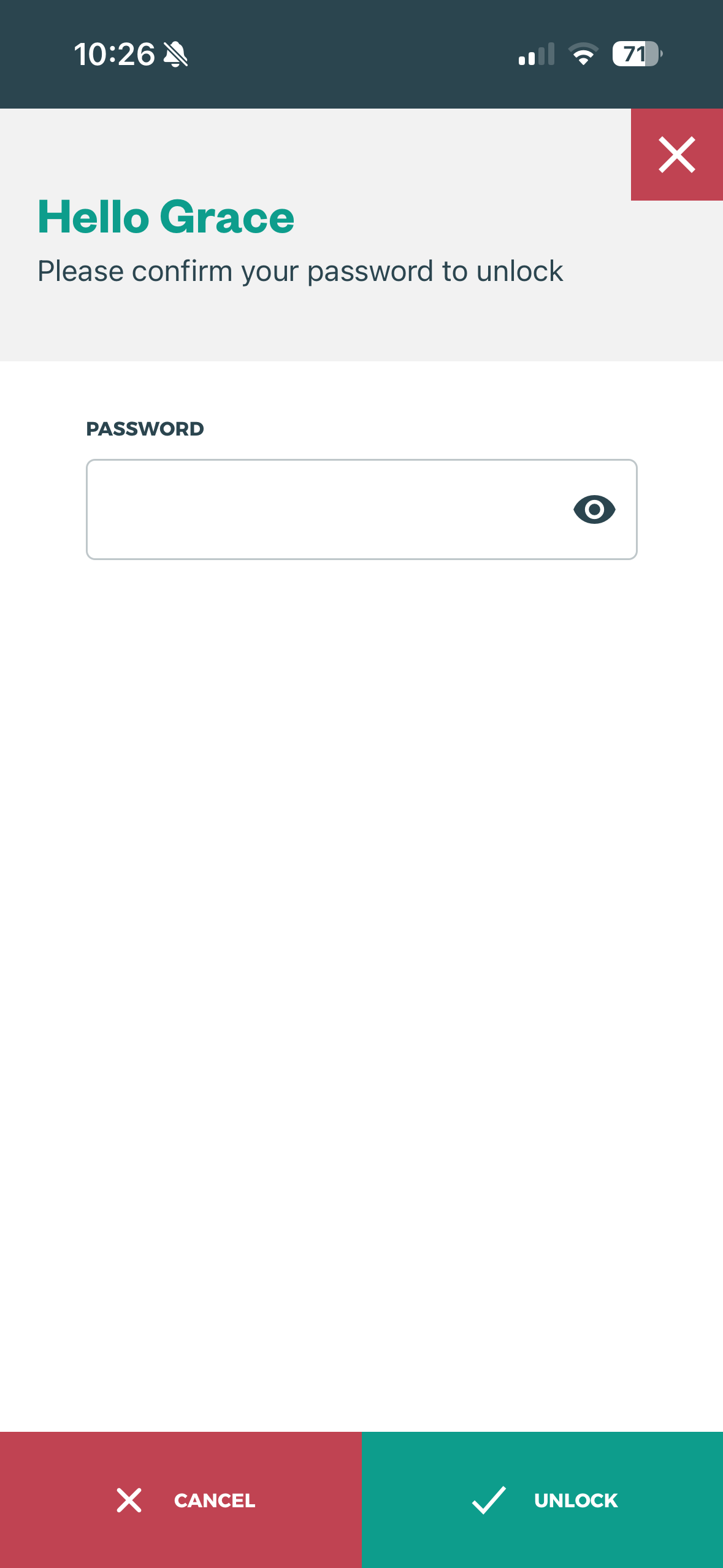
Enter user password to open the Profile View and Menu
-
-
Tātou Field App → Switch back to Work View
-
Open the Field App Menu
-
Click the Work Button
-
Continue Tracking Jobs
-