
This release improves Tātou’s Invoicing feature and adds fields for Managers and Admins to capture comprehensive block data.
What’s Changed?
Admin | Task Codes
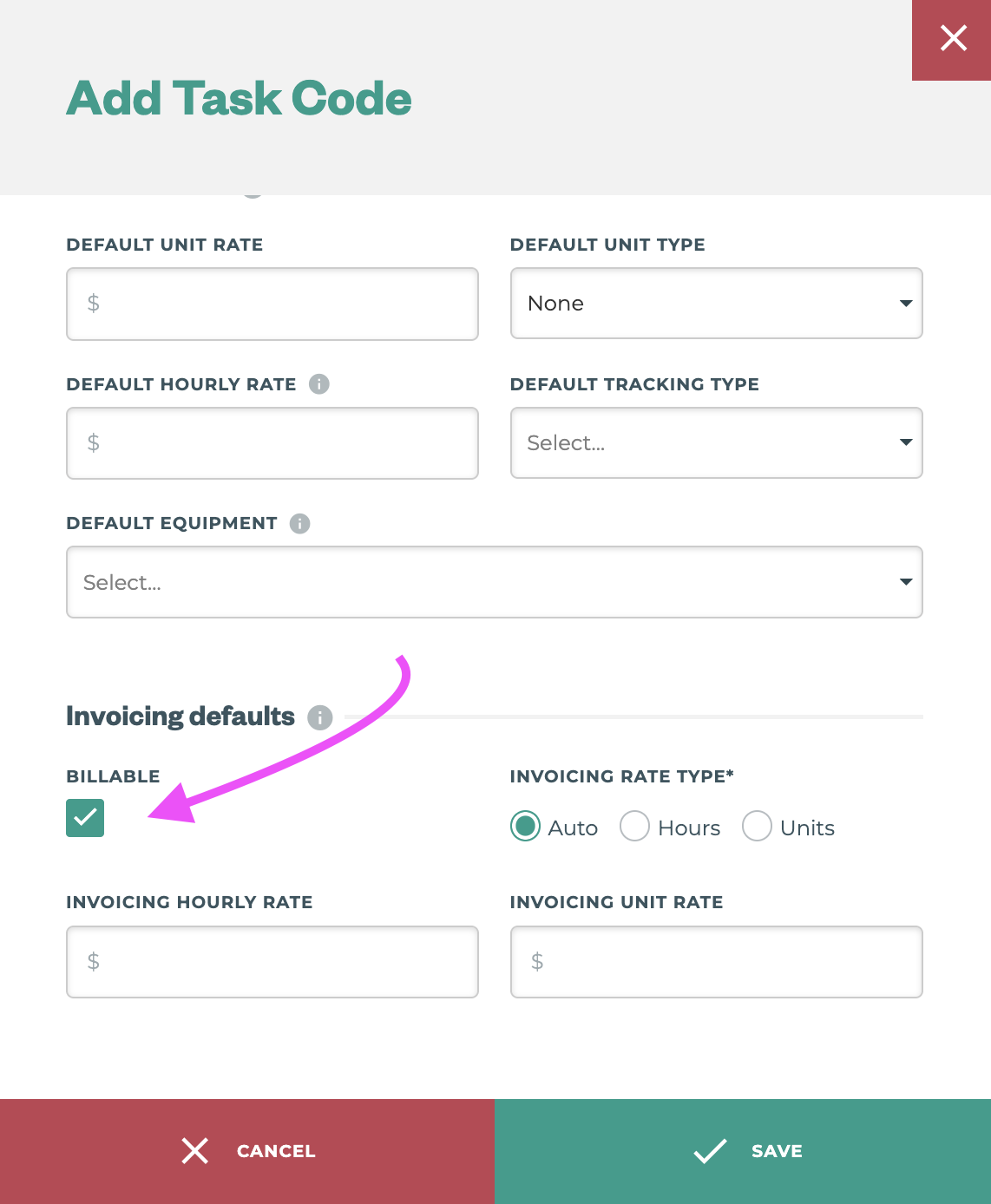
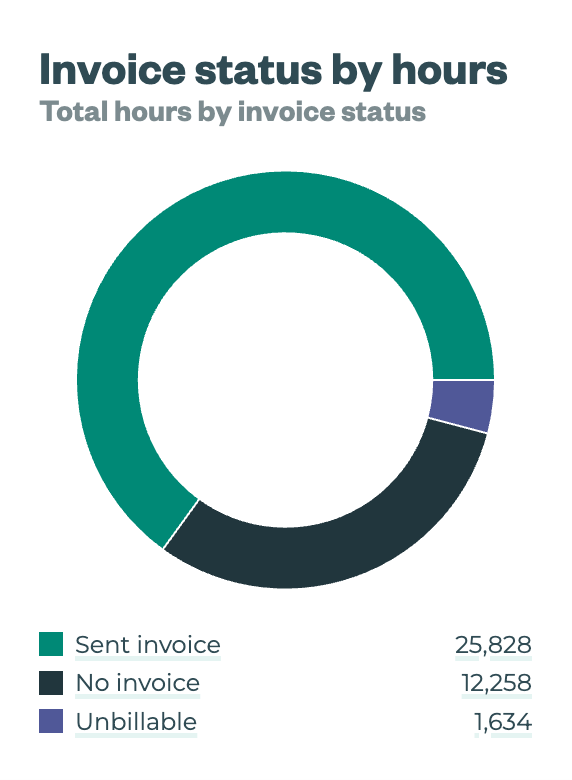
Tasks can now be marked as Billable or Non-billable by default, giving managers and admin another filter and reporting tool to help at invoicing.
Task Type | Client vs Internal
With the release of this feature defaults are in place that match the existing behaviour, however, these can be changed via bulk import or individually by editing a task in the office app.
-
Internal Tasks
-
Default to “Non-billable”
-
Can be changed to Billable
-
-
Client Tasks
-
Default to “Billable”
-
Can be changed to “Non-billable”
-
Admin | Clients → Locations → Blocks
Block identification and details are crucial for farm management. We have added fields to increase and improve data that users can store against their blocks in Tātou Office App. New fields include:
|
Block Value |
Purpose |
Example |
Bulk Import |
|---|---|---|---|
|
Identifier |
e.g. KPIN or Grapelink ID |
KPIN-###### |
✅ |
|
Plant Spacing |
The space between each plant in metres (m) |
1.8 |
✅ |
|
Rootstock |
Free text for user to add rootstock details |
3309 |
✅ |
|
Clone |
Free text for users to differentiate clones within a variety |
667 |
✅ |
|
Date Planted |
Used to calculate the age field now available |
2006-09-10 |
✅ |
|
Age |
Read only field - based on Date Planted |
|
❌ |
|
Source |
e.g. Nursery plant details, grafting details, etc. |
Nursery A |
✅ |
How do I use it?
How-to: Bulk Import Tasks and Task Categories
How-to: Bulk Import Clients, Locations, Blocks & Rows